
Savings Goal Tracker: How to Actually Hit Your Targets
"I'm saving up" is a wish. "I'm putting $150 a month toward a $1,800 goal, and I'll get there in December" is a plan. The difference is a tracker that turns a vague target into a monthly number and shows you the progress bar filling up. Here's the method — the sinking fund — and how to build it.
What's a sinking fund?
A sinking fund is just a savings pot for a known future cost: a holiday, a new laptop, Christmas, the car service you know is coming. Instead of getting ambushed by a big bill, you set aside a little each month so the money's already there when it lands. You can run several at once — one pot per goal.
The maths behind a goal
For each goal you need three things, and the sheet works out the fourth:
- Target amount (how much you need)
- Target date (when you need it)
- Saved so far
- → Monthly amount required = (target − saved) ÷ months remaining
That last figure is the magic one. It converts "I want $1,800 for a trip" into "$150 a month" — a number you can actually budget for. Add a progress bar per goal and saving becomes weirdly satisfying.
Building it
One row per goal with those columns, a formula for the monthly requirement, and conditional formatting for the progress bar. Add a total across all goals so you know your combined monthly savings commitment fits your budget.
Or grab the ready-made one
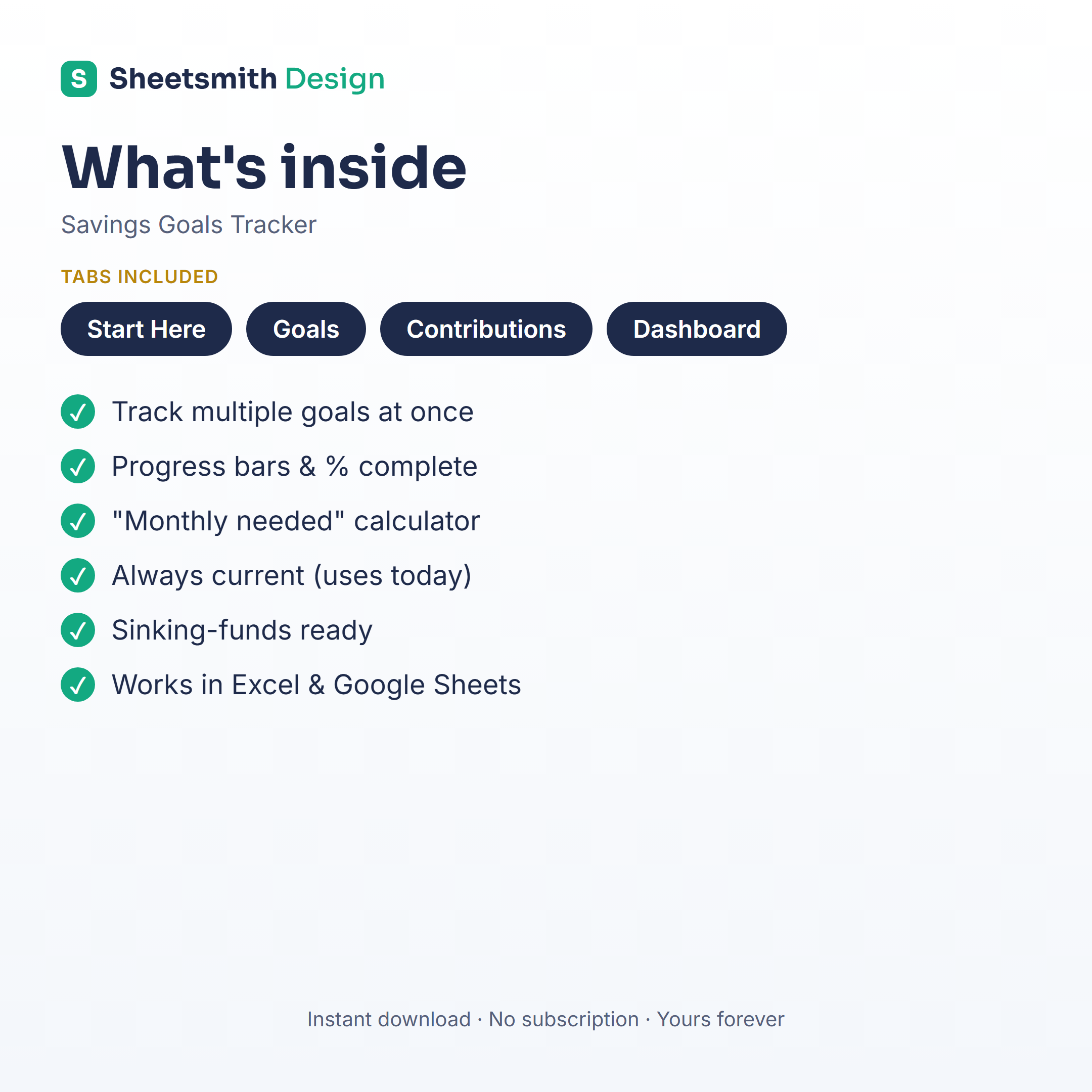
The Sheetsmith Savings Goals Tracker runs multiple sinking funds at once: enter each goal, target and date, and it calculates the monthly amount and fills a progress bar as you save. Excel and Google Sheets, one-off download, no subscription.
Pair it with a monthly budget so each goal's required amount has a home, and "I'm saving up" becomes "I'm on track."
General information and a spreadsheet walkthrough — not financial advice.