
Photographer Finance Tracker: Smoothing Out Lumpy Income
Photography income doesn't arrive in neat monthly chunks. You might shoot three weddings in June and nothing in August, drop $2,000 on a lens, and juggle deposits, balances and the odd print sale. That lumpiness is exactly why photographers need a tracker more than most — averages lie, and a good month can hide a thin quarter.
What makes photographer finances different
- Deposits vs balances — money often comes in two parts, months apart
- Big gear costs — lenses, bodies, lighting: large, occasional, deductible expenses
- Seasonality — wedding season booms; winter can be quiet
- Mixed revenue — shoots, prints, albums, editing, licensing
A generic "money in, money out" note-app won't surface the thing you need: is the year on track even though this month looks quiet?
What to track
Log every payment with a category (wedding, portrait, print, licensing) and every cost with one too (gear, travel, software, second-shooter). Then you want: income by month, profit after gear, a tax set-aside, and an unpaid-balance tracker for shoots that are booked but not fully paid.
The month-by-month view is what calms the panic in a quiet month — you can see the annual trend instead of one empty week.
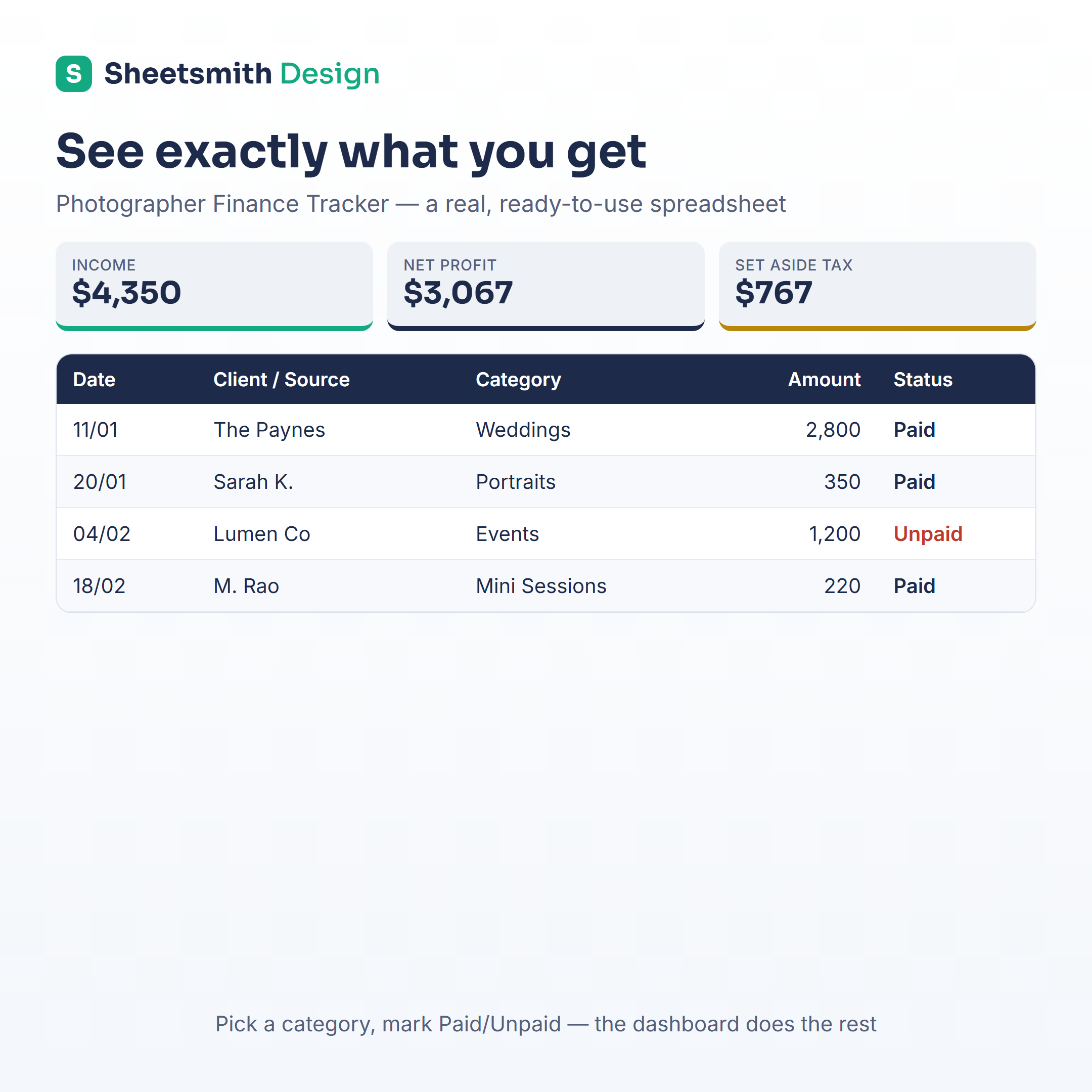
The ready-made option
A photographer is a freelancer with expensive gear, so the Sheetsmith Freelancer Finance Tracker covers it out of the box — income/expense dashboard, categories you can rename to shoots/prints/licensing, a tax-set-aside calculator and unpaid-invoice tracking. (We also make profession-specific versions in the shop if you'd like one pre-labelled for photography.) Excel and Google Sheets, one-off download, no subscription.
General information and a spreadsheet how-to — not financial or tax advice.