
Bookkeeping for Etsy Sellers: Where Your Profit Actually Goes
Selling on Etsy feels great until you do the maths and realise the $28 sale wasn't $28 of profit. Between listing fees, transaction fees, payment processing, offsite ads and the cost of your materials, a chunk disappears before anything reaches you. A simple bookkeeping spreadsheet shows you what's really left.
The fees that eat your margin
For every sale, an Etsy shop typically loses a slice to: the listing fee, a transaction fee, a payment processing fee, and — if the sale came through Offsite Ads — an advertising fee. Rates change, so check Etsy's current fee schedule, but the point stands: your gross sale price is not your revenue.
What to track per sale
- Sale price
- Etsy fees (total)
- COGS — materials, packaging, shipping you absorbed
- Net profit = sale − fees − COGS
Do that across a month and two numbers jump out: your true profit margin, and which products are actually worth making. Plenty of sellers discover a "bestseller" is barely breaking even once fees and materials are in.
Setting it up
A transactions tab with those columns, a few =SUM()/=SUMIF() formulas for monthly totals and profit by
product, and you've got a real picture. Add your tax-set-aside on top and you're running a proper little books.
The shortcut
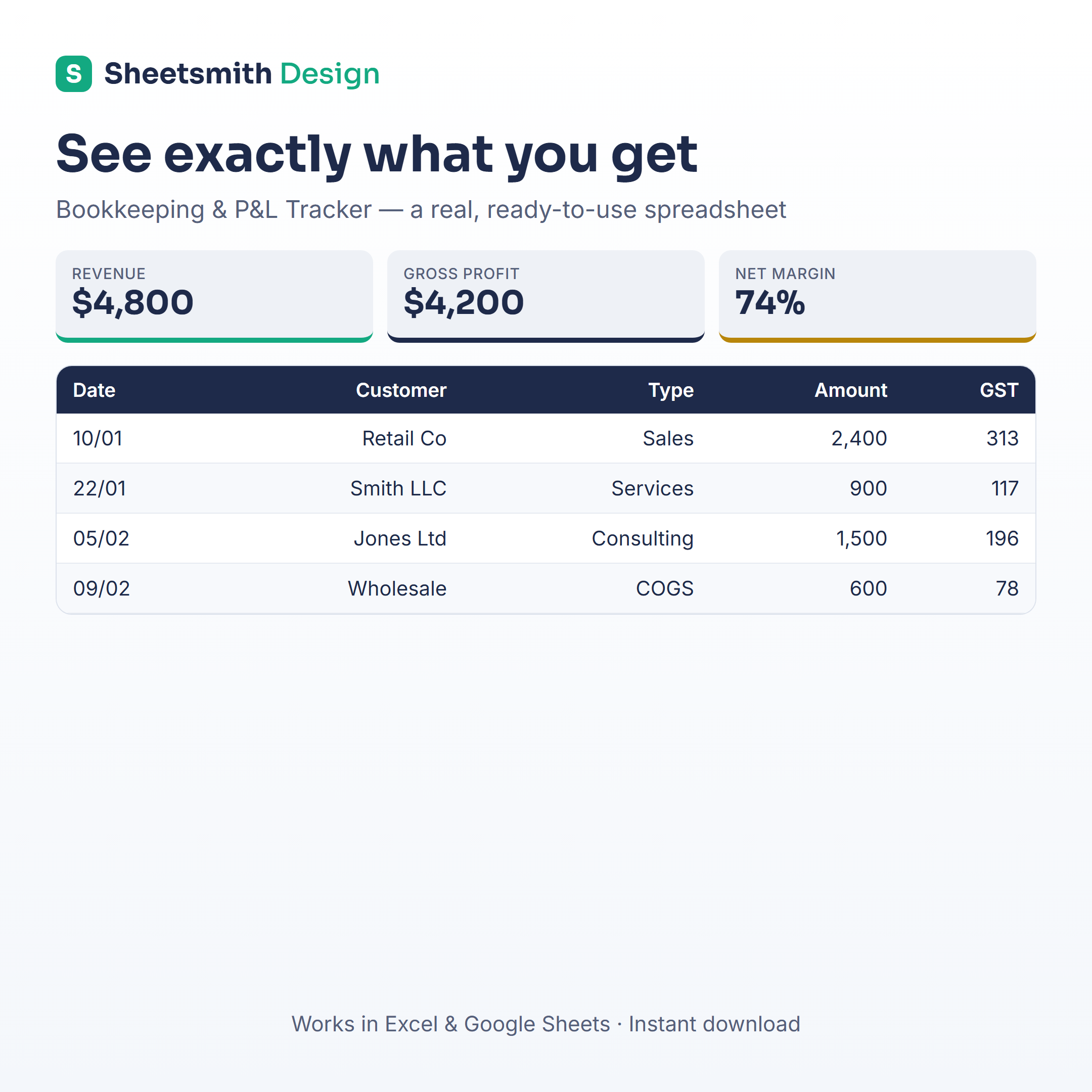
The Sheetsmith Bookkeeping & Profit-and-Loss Tracker handles fees, COGS and profit-by-category out of the box, with GST/sales-tax tracking and monthly charts — so you can see per-product profit without building the formulas yourself. Excel and Google Sheets, one-off download, no subscription.
General information and a spreadsheet how-to — not accounting or tax advice. Confirm current fees with Etsy and your tax obligations with an accountant.